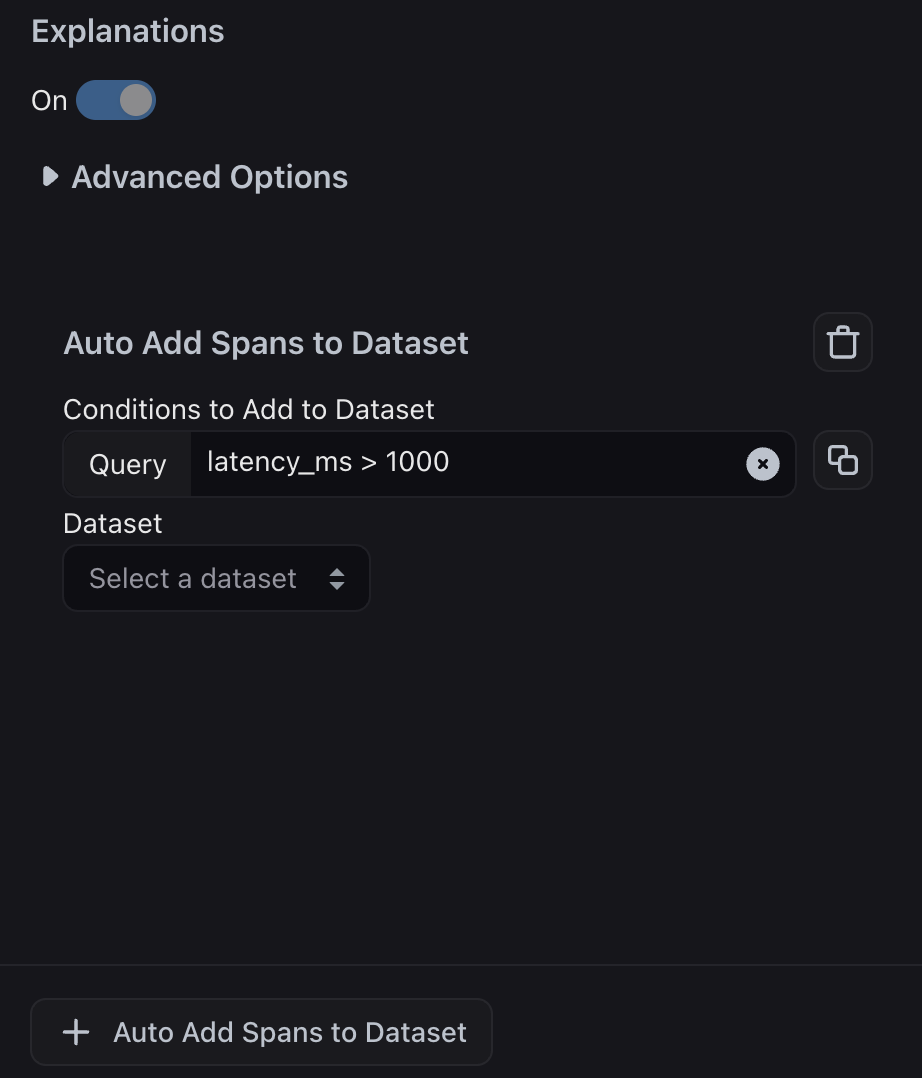
As teams collect more spans, it becomes tedious to manually sift through them to curate high-quality datasets that stay updated. Teams can define rules that automatically add new examples to a dataset whenever incoming spans match your criteria.Documentation Index
Fetch the complete documentation index at: https://arize-ax.mintlify.dev/docs/llms.txt
Use this file to discover all available pages before exploring further.
Curate dataset from evaluation labels
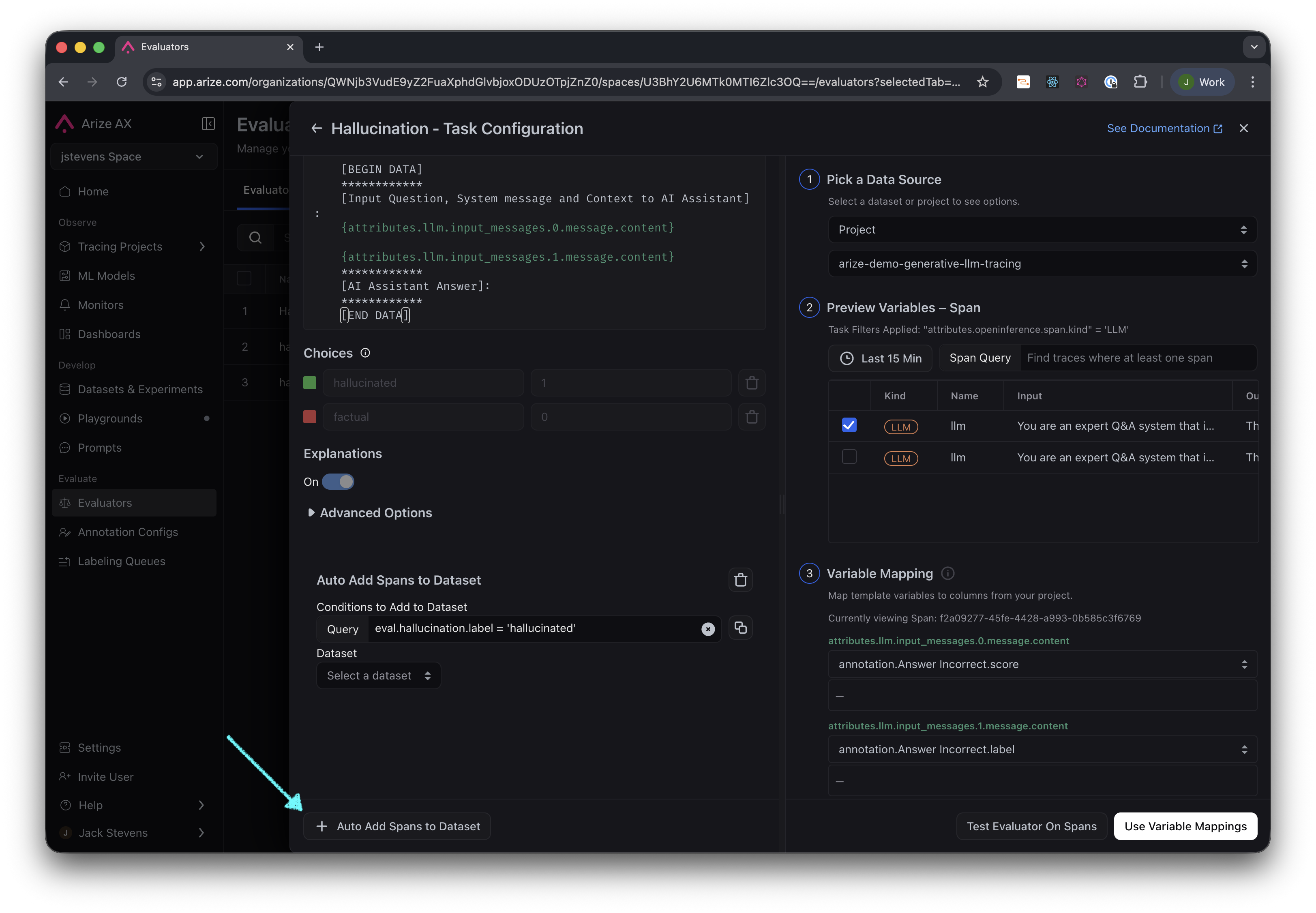
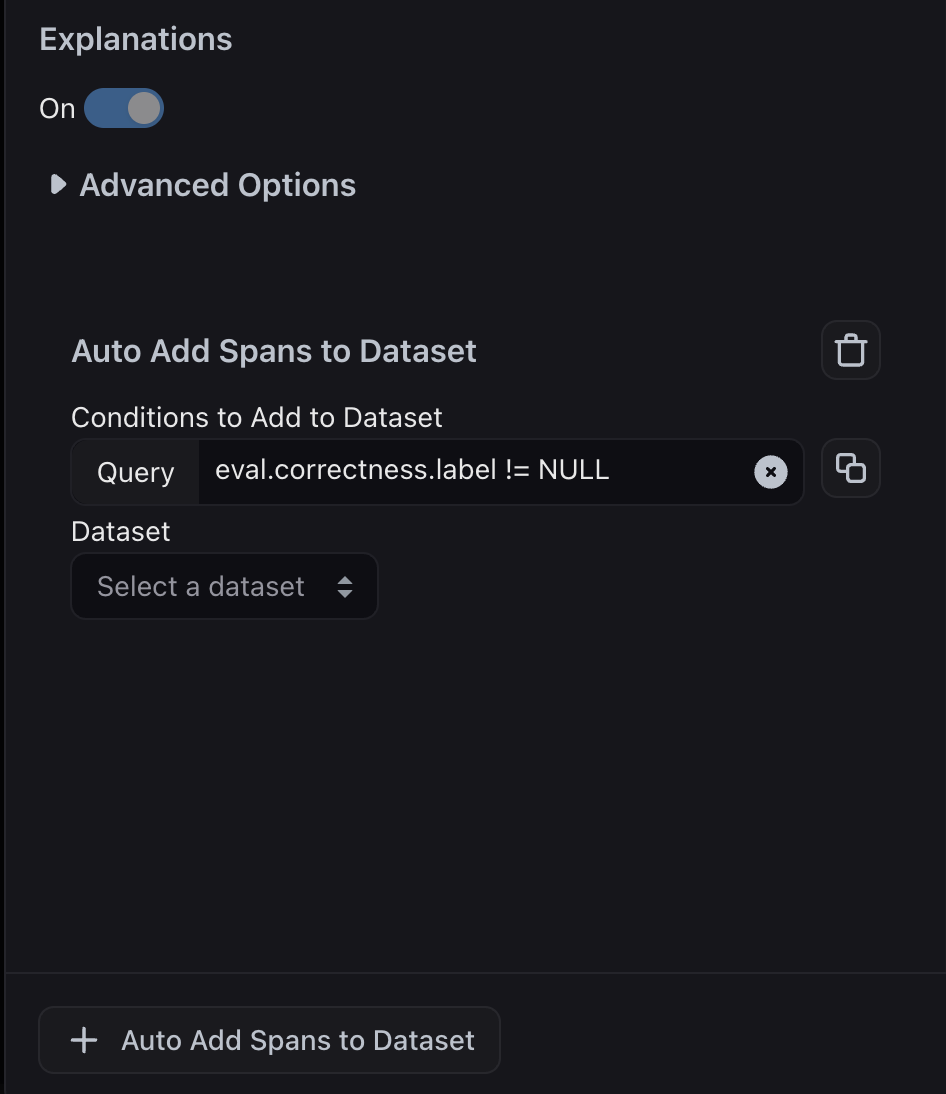
After setting up an evaluation task on a project, you can include a post-processing step that automatically adds examples to a dataset based on the evaluation label. First you need to edit the configuration of the Evaluator for your task: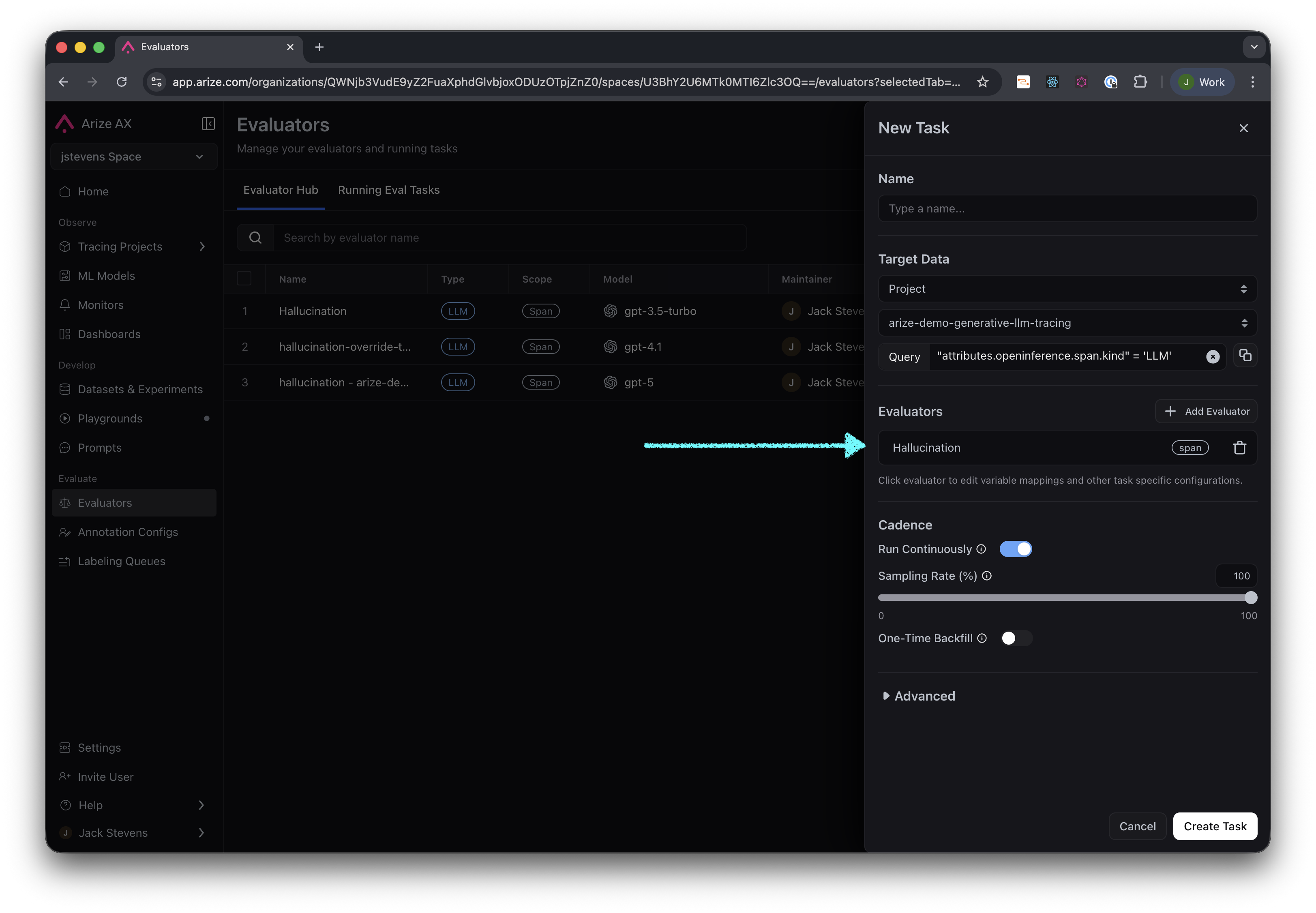
Curate dataset from filters
Alternatively, instead of using an evaluation label, you can add any example to a dataset that meets basic filter criteria, such as high token count in the LLM output, high latency, or examples where a specific tool was called.